
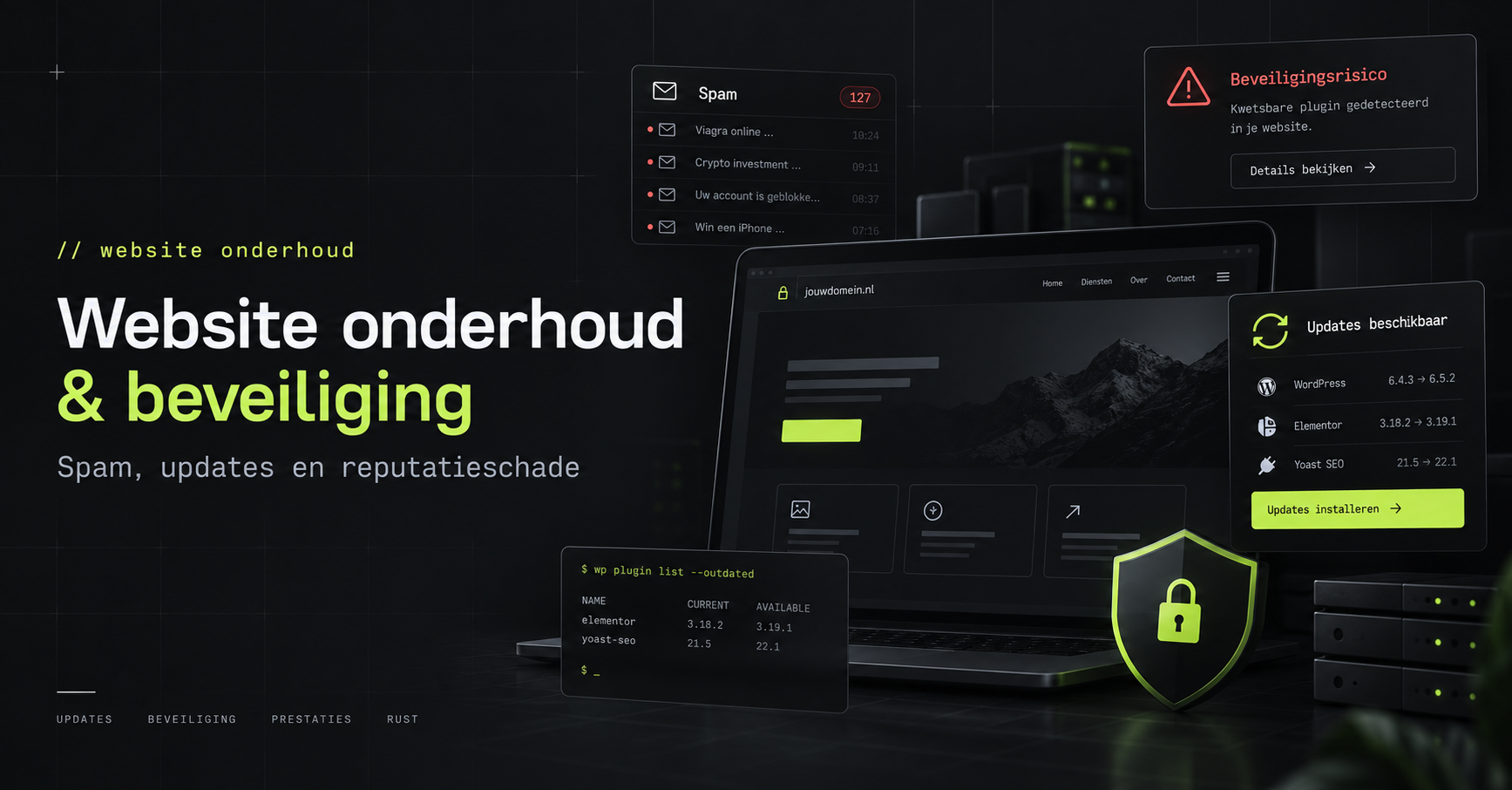
A website that no longer works properly. A contact form that is being misused to send dozens or even hundreds of spam messages. Or a website that, without anyone noticing, is full of content about online casinos, Bitcoin, Viagra and all sorts of other dubious things.
I hear that quite often.
Sometimes you spot the problems straight away. But quite often, the rubbish is hidden away in comments under articles or in entire blog posts that the owner doesn’t even know exist.
I once helped someone who had accumulated well over 35,000 spam messages on their website.
From miracle cures for penis enlargement to dubious medicines and Bitcoin transactions. You name it, it’s out there.
Not exactly the image you’d want to project as an entrepreneur.
Because your website is your digital calling card. It is often the first point of contact with your business. A place where potential customers look for information, build trust and ultimately decide to get in touch with you.
And you only get one chance to make that first impression.
From a bit of spam to a hacked website
A few unwanted comments under a blog post might seem harmless. But sometimes there’s much more to it than that.
When malicious actors exploit a vulnerability – for example, in an outdated WordPress plugin – they may, in some cases, be able to upload files and execute code on your hosting environment.
Take, for example, a PHP webshell.
A webshell is a script that allows someone to execute commands on the server remotely. Depending on their permissions, an attacker may be able to view, modify or delete files, or upload new ones.
When investigating such infections, you sometimes come across dozens of suspicious PHP files. These are files containing obfuscated code, Base64 encodings and other techniques designed to conceal their true function.
And we’re no longer just talking about a few annoying spam messages.
An attacker may be able to gain access to customer data, orders, contact forms or other confidential information.
The consequences could be significant.
The damage to a website’s reputation caused by a hack
What many business owners underestimate is that the damage does not stop once the suspicious files have been deleted.
A hacked website can also damage the reputation of your domain name.
Your emails are no longer coming through
If a contact form is misused to send large quantities of spam, this can have consequences for the reputation of the sending domain or the mail server.
For example, your website could send hundreds of messages to random email addresses.
Depending on the email configuration used, receiving mail servers may classify that traffic as spam.
This could mean that your legitimate emails also end up in the spam folder more often, or are even rejected.
Think of quotations, enquiries or order confirmations.
You might get rid of the spam on your website, but in the meantime you’ll no longer be reaching your own customers.
Google is indexing the wrong pages
Then there’s another problem: how easy it is to find your website.
Suppose someone has posted hundreds or thousands of spam articles on your website.
Those pages can be discovered and indexed by Google.
Suddenly, search results for online casinos, dubious medicines or cryptocurrencies start appearing under your domain name.
And all this even though you’re just a gardener, a plumber, an online shop or a local business.
In Google Search Console, you may then find yourself faced with hundreds of unfamiliar URLs, strange search queries and indexing issues.
In serious cases, Google may also flag your website as unsafe, displaying warnings to visitors or affecting its visibility in search results.
Tidying up does not automatically mean restoring things to their original state
Suppose you have cleaned up the website, removed all suspicious files and fixed the vulnerability.
Then, technically speaking, you might be safe again.
However, Google still needs to reprocess the affected pages or remove them from the search results.
Nor is the reputation of your mail server or domain necessarily restored straight away.
An infection can sometimes be cleared up within a day, whereas restoring your online reputation can take much longer.
Meanwhile, potential customers may still come across unwanted search results.
And then there’s the GDPR to consider as well
We all have an opinion when a large organisation such as Odido makes the news following a security incident.
But how many owners of smaller websites actually carry out a proper investigation into what happened when their own website is hacked?
A security incident does not automatically mean that a data breach subject to mandatory reporting has occurred.
However, if personal data has been compromised, you must investigate what has happened, which data may have been accessed or stolen, and whether a report is required.
In the event of a data breach that is subject to a reporting obligation, the report must, in principle, be submitted to the Dutch Data Protection Authority within 72 hours of its discovery.
Even a small website can contain personal data.
Think of contact forms, customer details, orders, saved email addresses or user account details.
And even then, you still have responsibilities.
A website needs maintenance. Just like your car.
When you buy a new car, the tyres are new, the oil is fresh and everything works as it should.
But over time, the tyres wear out, the oil becomes contaminated and maintenance becomes necessary.
If you neglect this maintenance, the likelihood of problems arising increases.
It’s actually no different with websites.
A WordPress or Joomla website that worked perfectly five years ago is not necessarily still secure or well maintained today.
The three main components of WordPress
In WordPress, there are three key components that require regular updates:
- The WordPress core: the system itself, for which new versions and security updates are released.
- The theme: responsible for the design and, in some cases, additional functionality.
- Plugins: extensions for contact forms, online shops, search engine optimisation and all sorts of other functions.
In addition, your website runs on an underlying environment comprising, amongst other things, PHP, a database and a web server.
That software also needs to be maintained.
Some updates can be carried out automatically, whilst others require manual checking.
Furthermore, commercial themes and plugins often require an active licence.
If that licence expires, access to new updates may also be withdrawn.
That doesn’t mean your website is immediately insecure. However, you do need to keep checking whether the software is still supported.
Website security is more than just installing updates
A fully updated website is not automatically secure.
It is also important to take a critical look at the features you actually need.
XML-RPC in WordPress
A well-known example is XML-RPC.
This is an interface that enables external applications to communicate with WordPress.
XML-RPC is not in itself a security vulnerability, but it can be exploited for purposes such as automated login attempts.
If you don’t use this feature, you might want to consider restricting or disabling access to it.
However, some integrations require XML-RPC. So first check which features you are using.
Logging in and user permissions
Is your WordPress login page protected against automated attacks?
Do you use two-factor authentication?
Do users only have the rights they actually need?
And are there perhaps any accounts belonging to former staff members or web developers who have long since ceased to be involved with your website?
They are simple questions, but they are often overlooked.
Contact forms and uploads
A contact form must, of course, be able to send messages.
But that doesn’t mean everyone is allowed to use it without restriction to send hundreds of messages.
Consider spam protection, speed limits and ensuring that email delivery is configured correctly.
The options for uploading files also deserve special attention.
Not every visitor should be able to simply upload files to your server, let alone executable code.
Limit unnecessary functionality
Why would a website have ten plugins active when only six are actually needed?
Remove unused plugins and themes, limit unnecessarily accessible interfaces and use a Web Application Firewall (WAF) where appropriate.
Any feature that you do not need but make available may pose an additional risk.
It’s not about installing as many security plugins as possible.
The key is to know which software is running, which functions are essential and what risks are involved.
Back-ups are important, but can you actually restore them?
Another aspect that is often underestimated is backups.
Many website owners assume that their hosting provider automatically creates a backup.
And sometimes that’s actually the case.
But how often does that happen? How long are the backups kept? And what happens if the entire hosting environment is lost?
A backup stored on the same environment as the original website may also be lost or damaged in the event of a serious incident.
That is why it is wise to keep independent backups.
But even then, you’re not there yet.
Making a backup is one thing. Being absolutely sure that you can actually restore it is quite another.
You should therefore check periodically whether your website can be fully restored, including the database, images and configuration.
"But isn’t my website hosted by a hosting provider?"
That is perhaps the biggest misunderstanding.
Suppose you rent a parking space for your car.
The owner of that car park will make sure you have somewhere to park. The site might even be very well secured.
But he won’t automatically replace your tyres, change your oil or carry out routine maintenance on your car.
To do that, you go to a garage.
The division of responsibilities is similar when it comes to websites.
What does your hosting provider do?
A hosting provider usually takes care of the underlying infrastructure.
Consider the server, the network, the hosting software and the availability of the services purchased.
However, that does not automatically mean that the provider also maintains all the WordPress plugins, themes and settings on your website.
Some providers offer managed WordPress or comprehensive website maintenance. Others limit themselves to managing the hosting environment.
What does your web developer do?
A web developer builds the website and ensures that the required functionality works.
But does that automatically mean that the same developer will still be checking all the plugins, carrying out security updates and performing recovery tests in three years’ time?
Not necessarily.
That, too, depends on the arrangements you’ve made.
And that’s where things often go wrong.
The hosting provider assumes that the website administrator is responsible for the updates.
The web developer delivered the website some time ago and is no longer involved.
And the business owner assumes that everything is maintained automatically.
In the meantime, the website is still up and running as usual.
Until things go wrong.
What should you check regularly on your WordPress website?
A well-maintained website requires more than just clicking the ‘update’ button every now and then.
So please use this checklist:
- WordPress core, themes and plugins: have all security updates been installed, and are the components in use still supported?
- PHP and hosting environment: are security updates still being released for the software versions in use?
- User accounts: have old accounts been deleted and are access rights set correctly?
- Two-factor authentication: are key administrator accounts given extra protection?
- XML-RPC and other interfaces: what external access is actually necessary?
- Contact forms: are they protected against automated abuse and unsolicited email?
- File permissions and uploads: Can a visitor or user not make more changes than necessary?
- Back-ups: Are they carried out regularly, stored securely and actually tested?
- Google Search Console: do any unknown URLs, unusual search queries or security alerts appear?
- Logging and monitoring: are suspicious activities and significant changes detected in good time?
Some of these checks can be automated. Others require periodic assessment by someone with technical knowledge.
Who is ultimately responsible for your website?
As an entrepreneur, you don’t need to know how to investigate a PHP webshell, secure a server or maintain a WordPress installation.
That’s what the specialists are there for.
But you do need to make sure that someone has been given that responsibility.
Because, at the end of the day, it’s all about your website, your domain name and your company’s reputation.
And depending on the data you process, you also have legal obligations.
My advice is therefore simple.
Check when your website last underwent technical maintenance.
Not when someone last replaced a photo or edited a text.
But when you’ve actually looked into updates, security, backups and the technical condition of your website.
And, above all, check who is responsible for that.
Because keeping a website online is not the same as maintaining it properly.
How is that organised in your organisation? Do you know who is responsible for the technical maintenance and security of your website?
Lees het origineel in het Nederlands
← Lees in het Nederlands